
What is a website built with? How to find a site’s tech stack
- vuetelemetry
- Stacks
- 6 min read
Curious which framework, server or analytics a site runs on? Here is how to find out what a website is built with - and what the tell-tale signs actually mean.
It is a natural question to ask while browsing: what is this website built with? Maybe you admire how fast a page feels, you are choosing a stack for your own project, or you simply want to know whether a site runs on React, Vue, WordPress or something hand-rolled. The good news is that the web is unusually transparent - a site ships much of its own description to your browser, and you can read it.
The term "tech stack" covers 4 distinct layers, and it helps to keep them apart. There is the front-end framework or library that builds the interface (React, Vue, Svelte, Angular, or plain JavaScript); the meta-framework or build tool that compiles and serves it (Next.js, Nuxt, Vite, Astro); the back-end and hosting that deliver it; and the auxiliary services - analytics, fonts, CDNs, tag managers - layered on top. A single site can mix all of these.
Read it in your browser’s dev tools
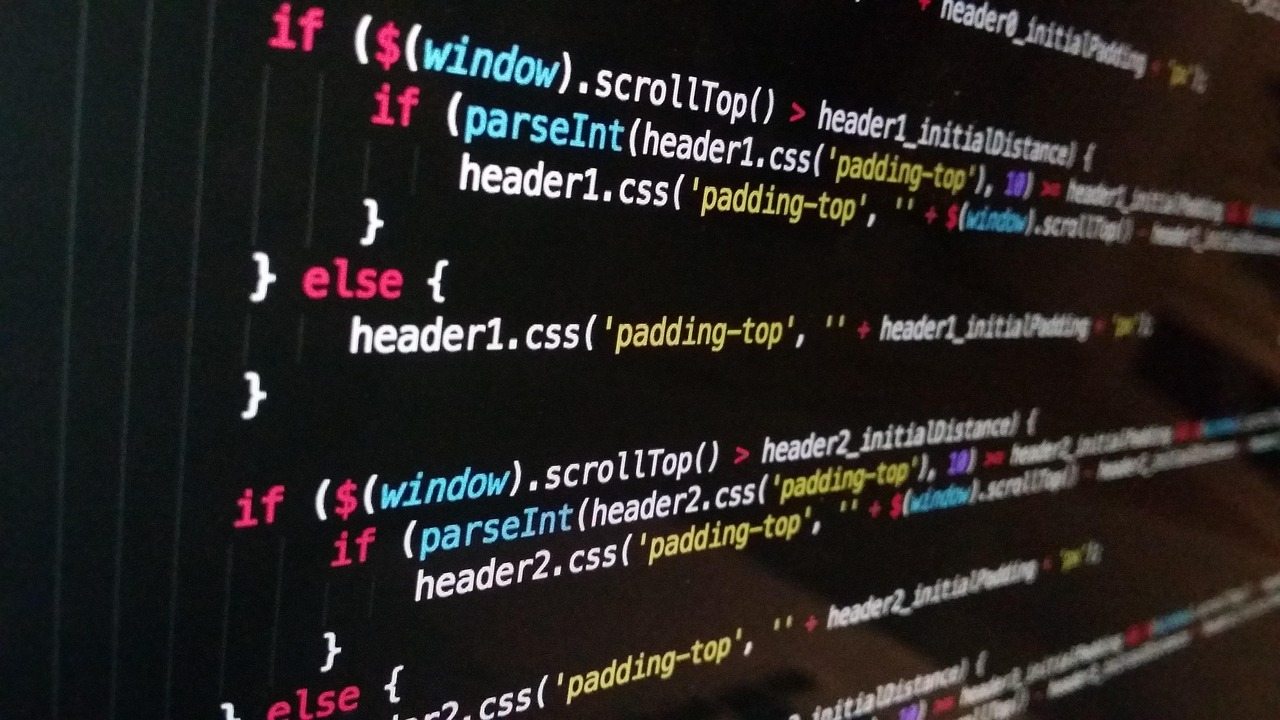
The most direct way to investigate is your browser’s own developer tools, which every modern browser includes for free. Open them and look at 3 panels: Elements to read the rendered HTML, Network to see exactly which files and domains load, and Console to spot framework globals. No extension is required; the information is already in front of you the moment a page loads.
The signatures that give a framework away
Specific signatures give a framework away. A page whose HTML contains a nearly empty <div id="root"> or <div id="app"> that then fills with content is almost certainly a single-page application built with React, Vue or a similar library. Filenames in the Network tab such as main.[hash].js, vendor bundles, or chunks named after a framework are strong hints, and attributes like data-reactroot or data-v- in the markup point at React and Vue respectively.
- Browser dev tools (Elements, Network, Console) - free, built in, no extension
- Markup signatures: <div id="root">/<div id="app">, data-reactroot, data-v-
- Script tags: __NEXT_DATA__ (Next.js), window.__NUXT__ (Nuxt)
- URLs and headers: /wp-content/ (WordPress), Server / X-Powered-By
- Detection extensions (e.g. Wappalyzer) read these same public clues
The back end and content layer leave fingerprints too. Response headers often include a Server or X-Powered-By value; URLs containing /wp-content/ or /wp-json/ reveal WordPress; and the presence of a __NEXT_DATA__ script tag is a clear sign of Next.js, just as window.__NUXT__ points to Nuxt. None of this requires special tooling - it is all visible in the page source and the network requests.
One-click detection extensions, and their limits
Browser extensions package this detection into one click. Tools such as Wappalyzer and similar stack-detection extensions scan a page for these same signatures and present a tidy list of the frameworks, analytics, CDNs and servers they recognise. They are convenient, but it is worth understanding that they are reading the very clues described above, not consulting some secret registry - which is also why they can be fooled.
That fallibility matters, so treat any detector’s output as evidence rather than proof. A site behind a CDN or reverse proxy may hide its real origin server; a framework can be configured to strip its tell-tale attributes; and server-side rendering can make a SPA look like a static site at first glance. Detection tells you what a site chose to expose, which is usually plenty, but not always the whole truth.
Reading the web’s public signals
This is, in spirit, what the original Vue Telemetry tool set out to do: surface which sites in the wild were built with Vue and Nuxt, by reading the same public signatures. The idea generalises to the whole front-end ecosystem - every framework leaves traces, and learning to read them turns idle curiosity into a genuinely useful skill for competitive research, hiring, or simply choosing your own tools.
There is also a privacy dimension worth noticing while you poke around. The Network tab does not just reveal a site’s framework; it reveals every third party the page talks to - analytics endpoints, ad networks, font providers and trackers. Inspecting a site you use is a quick way to see who else is involved in serving it to you, which is information the marketing copy rarely volunteers.
From curiosity to a useful skill
So the next time you wonder what a site is built with, you do not need to guess. Open the developer tools, read the HTML and the network requests, look for the signatures, and optionally confirm with a detection extension. The web wears much of its architecture on the outside, and once you know where to look, identifying a stack becomes a matter of minutes rather than mystery.



There is also a privacy dimension worth noticing while you poke around. The Network tab does not just reveal a site’s framework; it reveals every third party the page talks to - analytics endpoints, ad networks, font providers and trackers. Inspecting a site you use is a quick way to see who else is involved in serving it to you, which is information the marketing copy rarely volunteers.